
Multi-currency and exchange rates
Sell and buy in other currencies on books kept in your own: dated rates, realised gains and losses on payment, and period-end FX revaluation.
What it is
Your books are kept in one business currency, and every stored amount (books, stock, balances, reports) stays in it. With multi-currency on, a sales order, invoice, purchase order or bill can be in another currency. The customer or supplier sees their own currency, and the document keeps the rate it was made at.
Payments settle at the rate of the day, and the difference is booked as a realised gain or loss. At a period end you can revalue what is still open at the closing rate.
Who it is for
- Exporters invoicing customers in euros, yen or dirhams
- Importers paying suppliers in another currency
- Accountants who need IAS 21 / ASC 830 treatment of foreign balances
- Groups reporting several businesses in one currency
Before you start#
- Choose the business currency in Settings › General. It has to be a currency code, such as BDT, EUR or USD.
- Changing currency settings needs access to the settings pages. Every change is in the audit log.
Step by step#
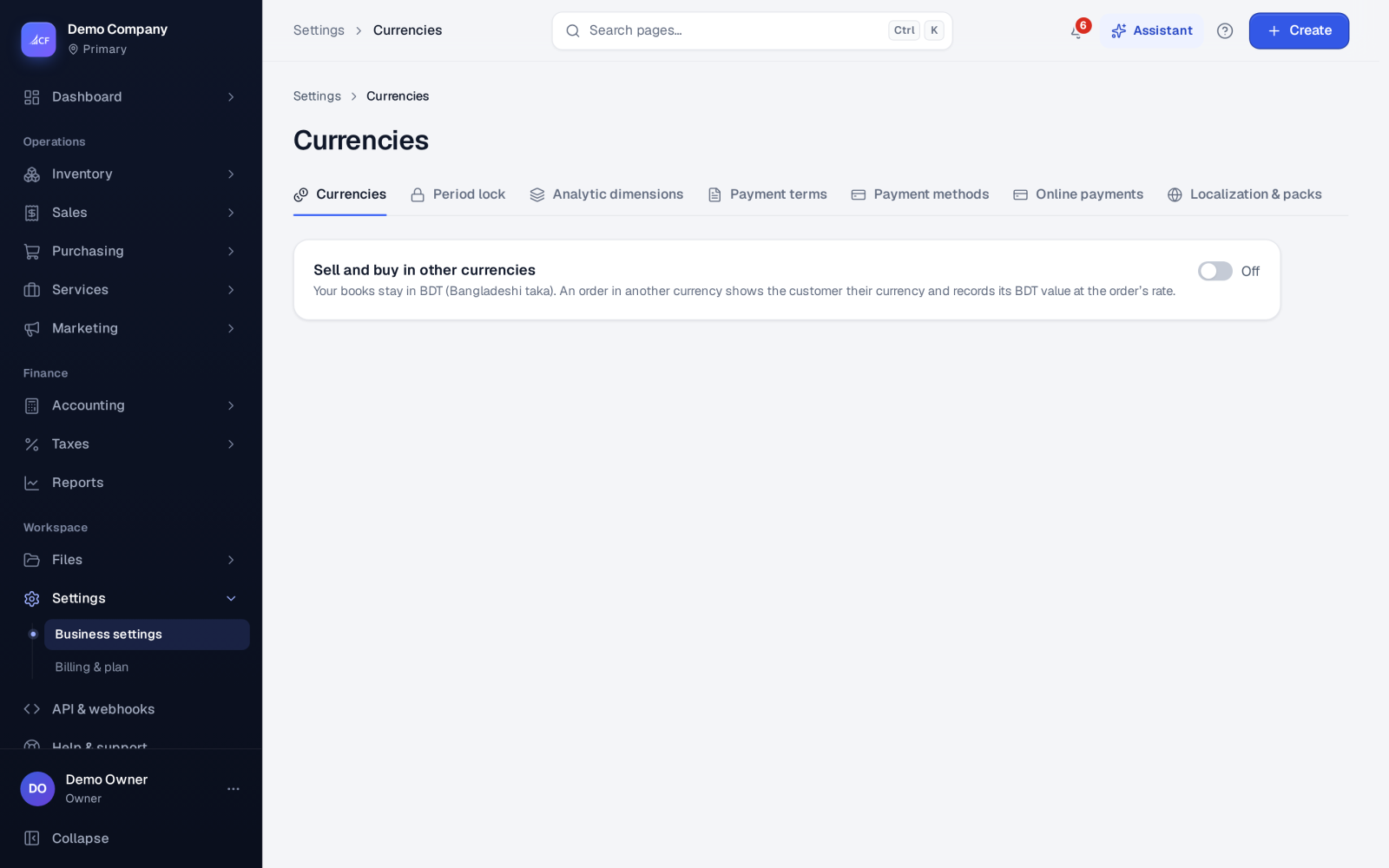
- Open Settings › Currencies and turn multi-currency on.
- Add each currency you trade in.
- Add a rate for each currency: the date it starts and how much one unit is worth in your business currency.
- Add new rates as they change. Older rates stay for the dates they covered.
- On a sales order, invoice, purchase order or bill, choose the currency. The document takes the latest rate on or before its date. Type a rate on the document to use a different one.
- Record payments as usual. The app works out the realised gain or loss.
- At period end, open the FX revaluation report, choose the date, check the preview and post it.
How rates are used#
- A document takes the latest rate on or before its date, unless a rate is typed on the document. A typed rate wins.
- Changing a rate never re-prices an existing document. Documents keep the rate they were made at.
How it posts to the books#
On the document. The invoice or bill posts in your business currency at its own rate, so receivables, payables and the contact's card move exactly as for any other document.
On payment (realised). A payment settles the foreign amount at the rate of the payment date. The difference from the booked rate goes to Realised Currency Gains in its own journal, keyed by the payment number. It is reversed if the payment is undone. A payment from a contact's existing balance realises no difference.
At period end (unrealised). FX revaluation re-measures every approved, still-open foreign-currency invoice and bill at the closing rate of the date. The difference is posted as one journal on that date, receivables and payables against Unrealised Currency Gains, and reversed on the next day. So the realised gain or loss still lands when the item is paid, and nothing is counted twice.
Limits and what is not there yet#
- FX revaluation runs once per date. It is refused in a locked period, or when a currency has no closing rate for that date.
- Rates are entered by you. Add the rate of the day before posting a revaluation.
- Stock, the ledger and every report stay in the business currency.
Questions#
Can I change a rate after an invoice was made?
You can add or change rates, but the invoice keeps the rate it was made at. A new rate is used by documents dated from then on.
Why did a payment post a gain or loss?
The rate on the payment date differed from the rate the invoice or bill was booked at. That difference is real money gained or lost, so it is booked as realised.
Do I have to run FX revaluation?
It is part of a proper month-end close for businesses with foreign balances. It appears as a task on the month-end checklist in Accounting › Reconciliations.
Can I see several businesses in one currency?
Yes. The Group profit and loss and Group balance sheet reports put your businesses side by side in one currency, with intercompany amounts eliminated.