
Sales processes
Choose how your sales run from 20 sales processes picked by five questions, with matching purchase processes, so the app fits how you work.
What it is
Every business sells a little differently. A shop takes payment on the spot; a wholesaler takes an order and invoices what it delivers; a distributor picks, packs and ships before billing. The sales process designer asks five questions and sets one of 20 sales processes to match. The menus, the steps on each order and the documents the app makes all follow the process you choose.
The purchase side has two matching processes: Order → receive → bill → payment, or Bill → payment for businesses that simply enter bills.
Who it is for
- Owners setting up a new business in the app.
- Businesses whose way of working changes — for example adding a warehouse or a courier.
- Accountants who want to know at which step stock and money post.
Before you start#
You need the right to change the business settings. Think about how a sale really runs today, from the customer's order to the money arriving.
Step by step#
- Open Settings › Sales and find Sales process.
- Answer whether you use orders before invoicing.
- Answer whether stock is picked in two steps (pick, then pack), in one step (pack) or not at all.
- Answer whether a delivery is recorded.
- Answer whether the invoice is made before or after the delivery.
- Answer where delivery and other charges are recorded: on the pick, on the delivery, on both, or nowhere.
- Check the process the designer shows and save.
- Open Settings › Purchase and choose the purchase process that matches.
The 20 sales processes#
| No. | Steps | Charges recorded on |
|---|---|---|
| 1 | Order → pick (+ pack) → delivery → invoice → payment | pick and delivery |
| 2 | Order → pack → delivery → invoice → payment | pack and delivery |
| 3 | Order → pick (+ pack) → invoice → delivery → payment | pick and delivery |
| 4 | Order → pack → invoice → delivery → payment | pack and delivery |
| 5 | Order → pick (+ pack) → delivery → invoice → payment | pick |
| 6 | Order → pack → delivery → invoice → payment | pack |
| 7 | Order → pick (+ pack) → invoice → delivery → payment | pick |
| 8 | Order → pack → invoice → delivery → payment | pack |
| 9 | Order → pick (+ pack) → delivery → invoice → payment | delivery |
| 10 | Order → pack → delivery → invoice → payment | delivery |
| 11 | Order → pick (+ pack) → invoice → delivery → payment | delivery |
| 12 | Order → pack → invoice → delivery → payment | delivery |
| 13 | Order → pick (+ pack) → delivery → invoice → payment | nowhere |
| 14 | Order → pack → delivery → invoice → payment | nowhere |
| 15 | Order → pick (+ pack) → invoice → delivery → payment | nowhere |
| 16 | Order → pack → invoice → delivery → payment | nowhere |
| 17 | Order → pick (+ pack) → invoice → payment | — |
| 18 | Order → pack → invoice → payment | — |
| 19 | Order → invoice → payment | — |
| 20 | Invoice → payment | — |
How the menu follows the process#
- With no orders (process 20), Sales › Orders is not shown; you invoice directly.
- With one-step picking the menu says Packs; with two steps, Picks & packs.
- With no delivery step, Ship & delivery is not shown.
- When the invoice comes before the delivery, Invoices appears above Ship & delivery; otherwise below.
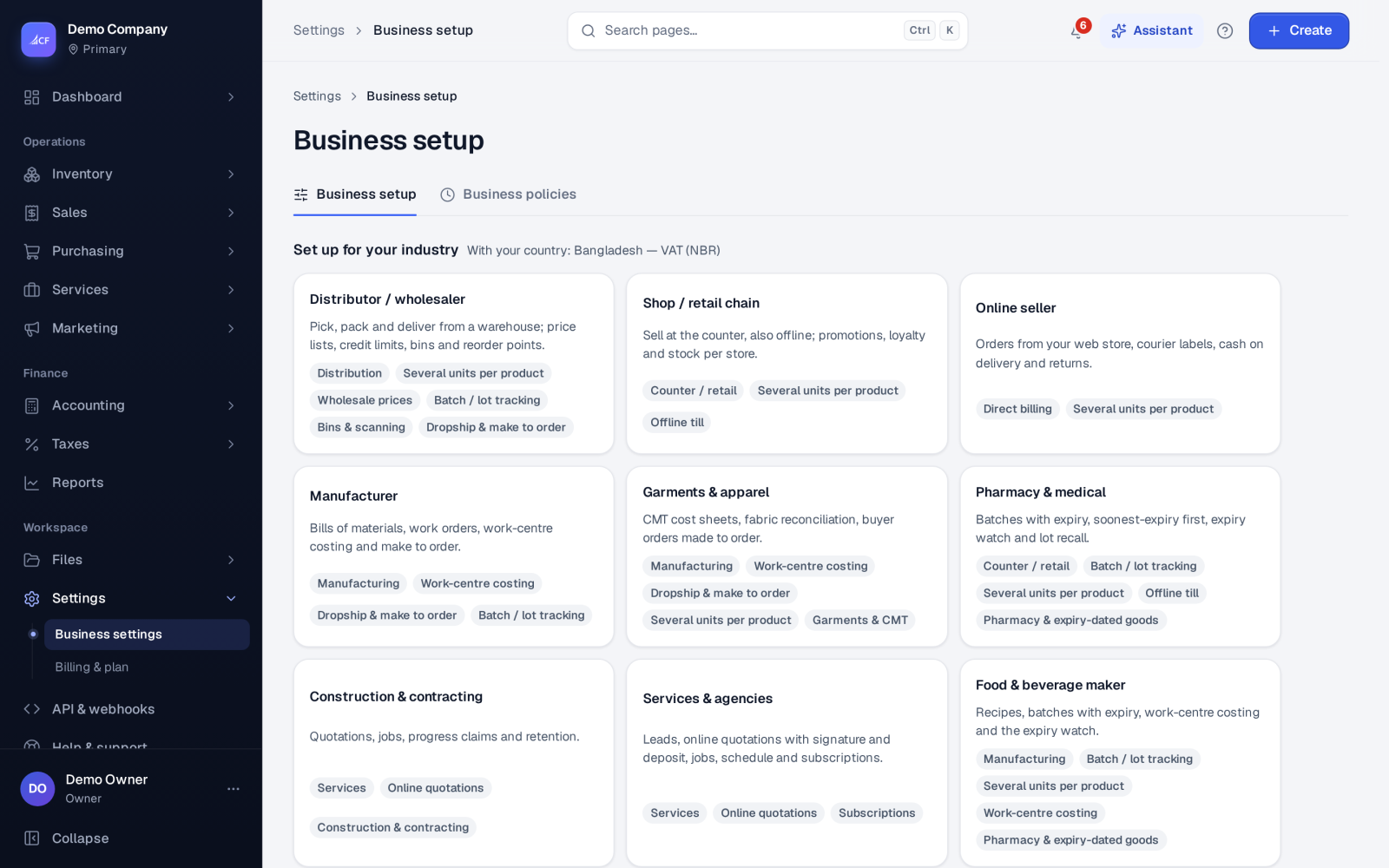
Business setup also offers ready-made modes — Counter / retail, Direct billing, Trading (B2B), Distribution, Services, Manufacturing and Everything — that switch whole stages on or off. You can fine-tune the sales process afterwards.
Charges on the pick or delivery#
"Charges" are delivery and other costs added to a sale, such as a courier's fee. Recording them on the pick or the delivery makes the cost line there, and a cost bought from a supplier becomes a supplier bill. Charges billed to the customer are part of the sale; what a courier charges you is a distribution cost (Courier Charges), not cost of goods.
How it posts to the books#
Whatever the process, the same rules apply:
- The pick (or pack) takes the stock out and posts the cost of goods.
- The delivery posts nothing; it records what left and when.
- The invoice posts the sale, the tax and what the customer owes when it is approved.
- A payment reduces what is owed.
In process 20 the order, pick, delivery and invoice are made together in one step behind a direct invoice.
Questions#
Which process should a small shop choose?
Usually process 20 (Invoice → payment), or the Counter / retail mode, together with the point of sale.
We pick and ship from a warehouse and bill after delivery. Which one fits?
Process 1, 5, 9 or 13, depending on where you record delivery charges.
Can the till still sell if we use orders?
Yes. A till sale makes its order, goods out and invoice in one step, whatever the process.
Does the process change approvals?
No. Order and invoice approval are separate settings in Settings › Sales › Approvals — see sales orders.