
Stock counts and reconciliation
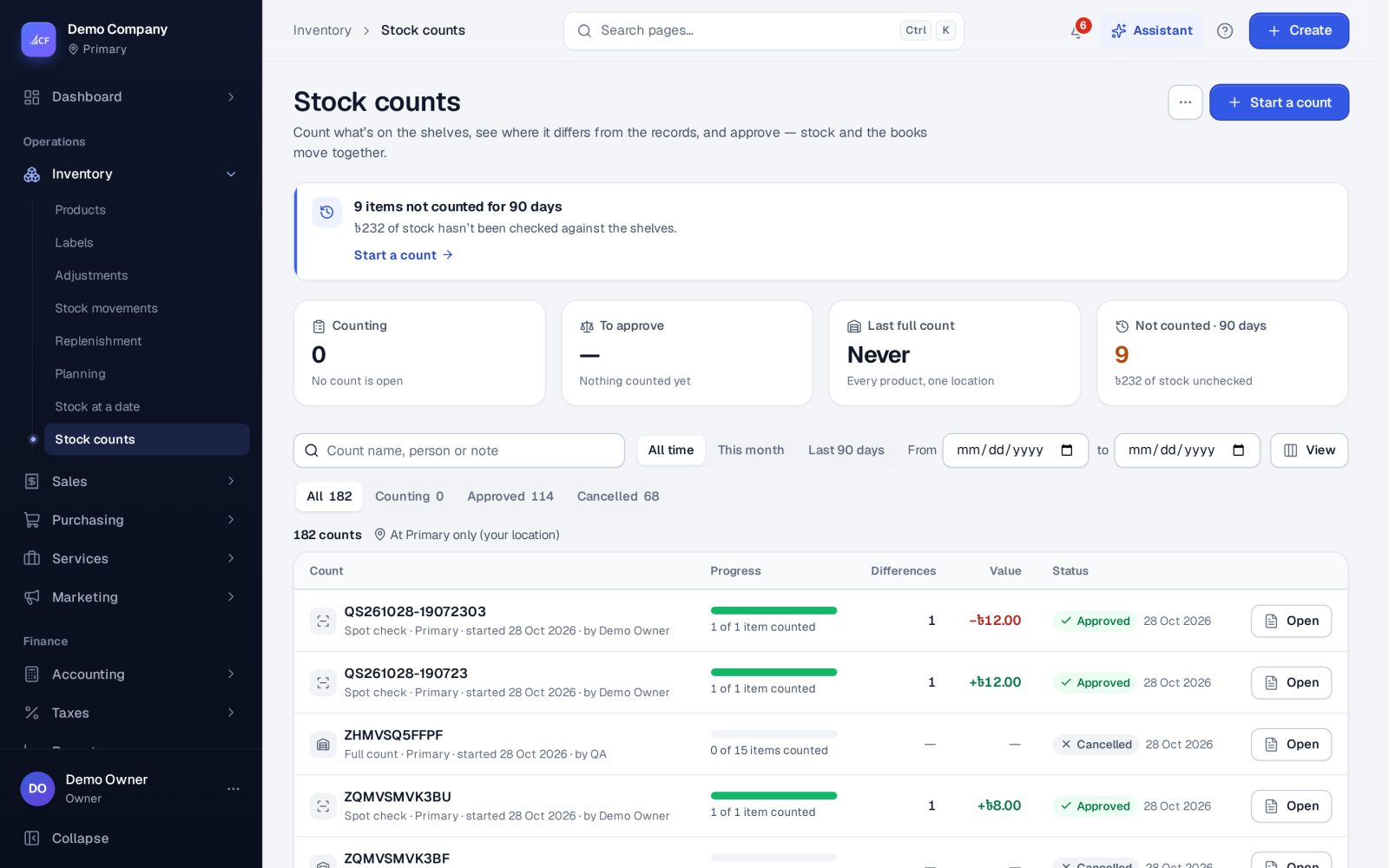
Run full counts, cycle counts and spot checks, compare what you found with the system, and approve the differences into stock and the books.
What it is
A stock count compares what is on the shelf with what the system expects. You start a count at one location, people enter what they find on count sheets, and approval turns the differences into stock movements and a journal — in one step, with a full trail.
There are three kinds of count:
- Everything at a location — a full count of every product with stock there.
- Some categories — a cycle count that checks part of the stock in turn.
- Chosen items — a spot check of a few products you doubt.
Who it is for
- Warehouse and shop teams doing regular counts
- Managers who review and approve differences
- Bookkeepers closing a period with a verified stock value
- Owners going live, who need a correct starting stock
Before you start#
- People who start and enter counts need the stock count rights; approving needs the approve right.
- Only one open count is allowed per location at a time.
- If you use bins, you can count bin by bin with a phone (see Labels, barcodes and scanning).
Step by step#
- Open Inventory › Stock counts and choose Start a count.
- Choose Everything at a location, Some categories or Chosen items.
- Choose the Location, give the Count name, and pick the categories or items.
- Set Items per sheet, and tick One category per sheet to split the work by aisle or team.
- Tick Freeze stock while counting if nothing should move until approval.
- Choose who it is Counted by and start the count.
- Open each sheet and enter the quantity counted for each line; save as you go.
- Review the differences, give a reason where needed, and accept the lines you agree with.
- Approve the sheet: all differences, or the accepted ones only.
How counting works#
Freeze or keep selling
- Frozen: stock movements at the location (or for the sheet's items, in a category count) are refused until the count is approved or cancelled. Differences are measured against today's on hand.
- Not frozen: the sheet remembers what the system had when it was made. On approval the difference is added to today's on hand, so sales recorded while you counted are kept.
Lines start uncounted
A line is blank until someone enters a figure, so "not counted yet" is never mistaken for zero. Saving a line sets its counted figure; it does not add to the earlier one. Services and not-stocked items are left out, and inactive products appear only while they still hold stock. Lines come in shelf order (category, then name).
Parcels waiting for the courier
A pick takes stock out the moment it is saved, even if the parcel is still on the packing table. Count sheets and spot checks show "packed on PL-… — not stock, don't count" on those products, so they are not counted twice.
Quick spot check
From Inventory › Products › Variants, tick a few variants and count them in a small window. With the approve right, stock is corrected at once; otherwise the count goes for approval.
Other tools on this screen#
- Write off expired stock — choose a location, Expired on or before and optionally a category; every expired lot with quantity left is written off at cost in one go. It is refused while a frozen count holds the location.
- Check available stock — lists items whose available figure disagrees with on hand less what orders hold, with the likely cause, and lets you Correct them. On hand and reserved are never changed by this.
How it posts to the books#
Approval values each difference at the item's average cost and posts the net:
- After go-live: stock found debits Inventory and credits Inventory Adjustment Gain; stock missing debits Inventory Adjustment Loss and credits Inventory.
- Before go-live (opening balances not yet confirmed): the difference goes to Opening Balance Equity, because stock found is not income and stock missing is not a loss of the period.
Expired write-offs debit Inventory Adjustment Loss and credit Inventory. Online stores receive the new stock after approval.
Limits and what is not there yet#
- One open count per location at a time.
- A cancelled count moves nothing; start a new one to count again.
Questions#
What is the difference between "all" and "accepted" when approving?
All applies every counted line with a difference. Accepted applies only the lines you accepted in review, leaving the others unchanged.
Can we keep selling during a count?
Yes, if you did not freeze stock. The count remembers the starting figure and adds only the difference you found, so sales made meanwhile are kept.
Why is a line I did not count not adjusted to zero?
Uncounted lines are left alone. Enter 0 if the shelf really is empty.
Can several people count at the same time?
Yes. Split the count into sheets with Items per sheet or One category per sheet and give each person their own sheet. Each sheet is approved on its own.